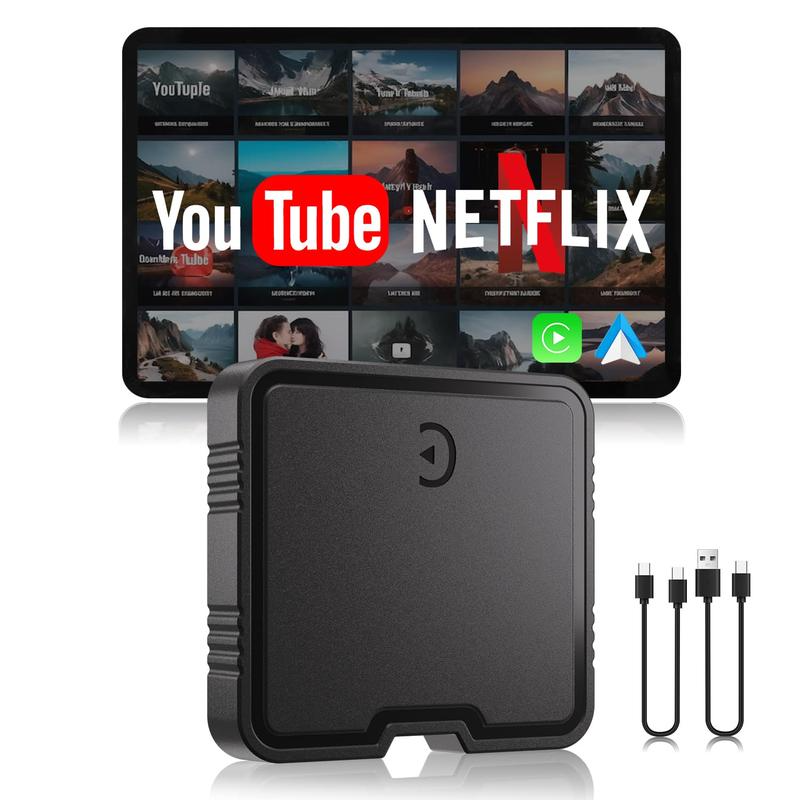
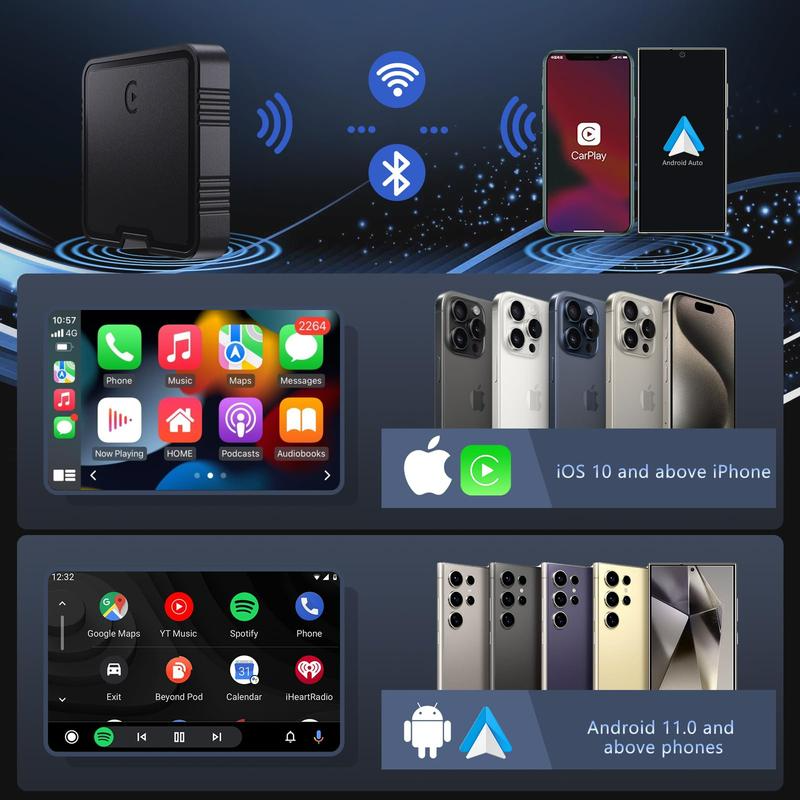
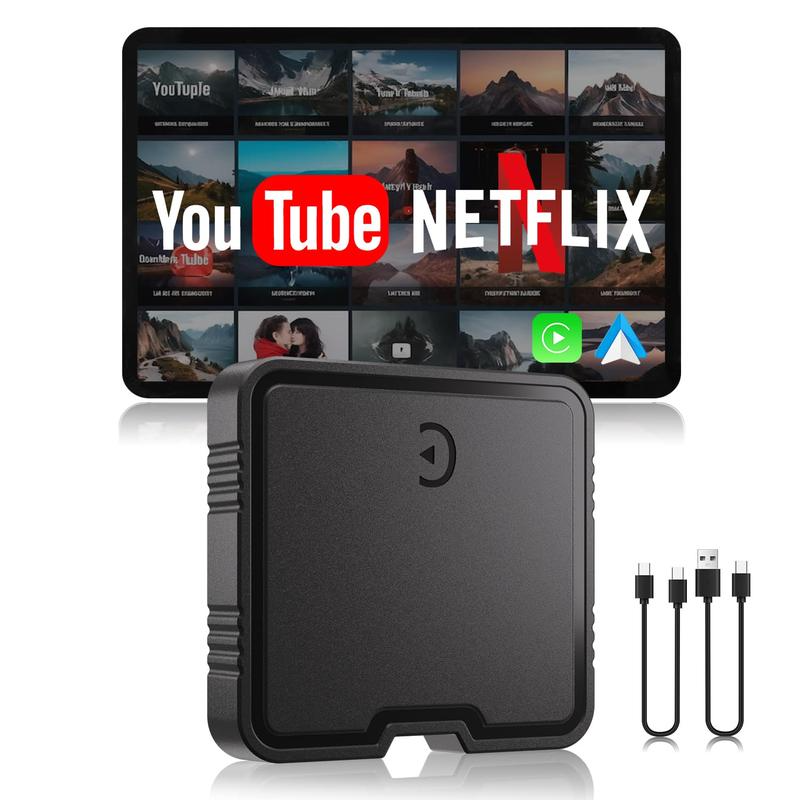
PASLDA Wireless CarPlay Adapter Box, 2024 Upgrade Support Netflix/YouTube/TF Card Plug & Play Dongle, Apple Car Play Wireless Adapter Android Auto Wireless Adapter for Cars from 2015 & iPhone iOS10+ Automotive
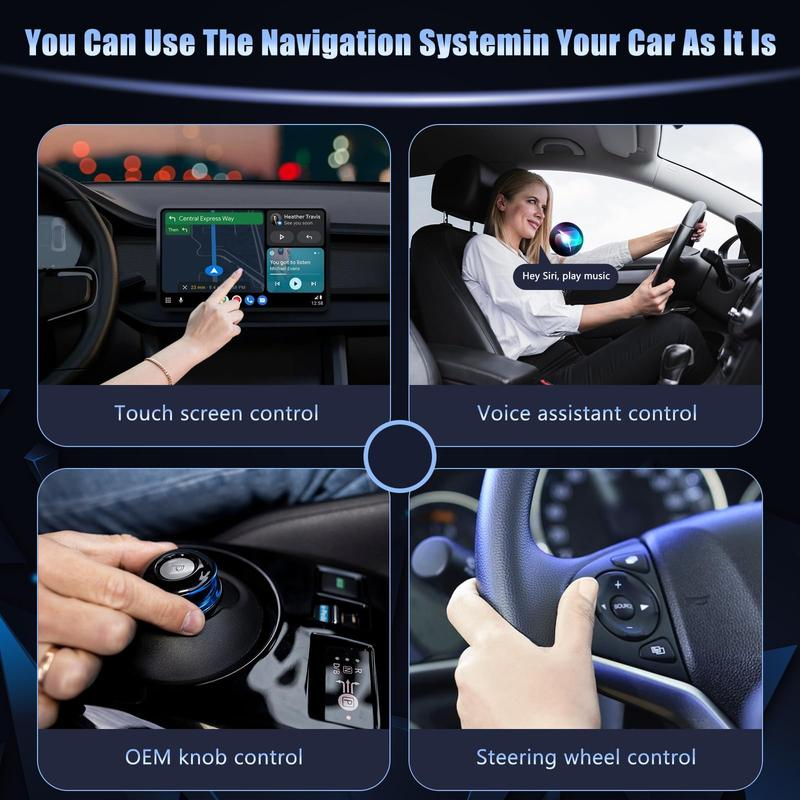
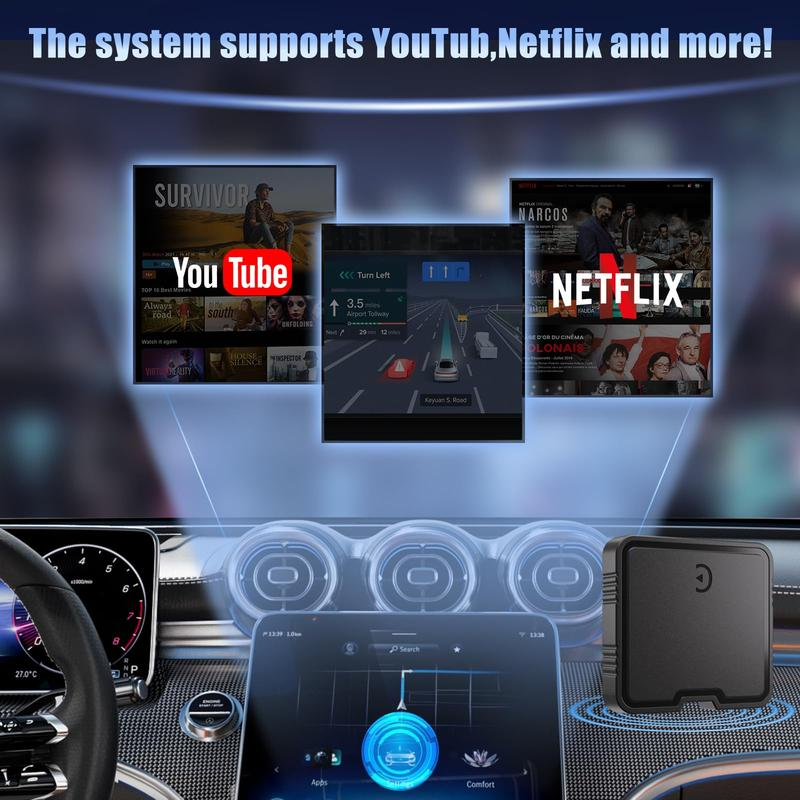
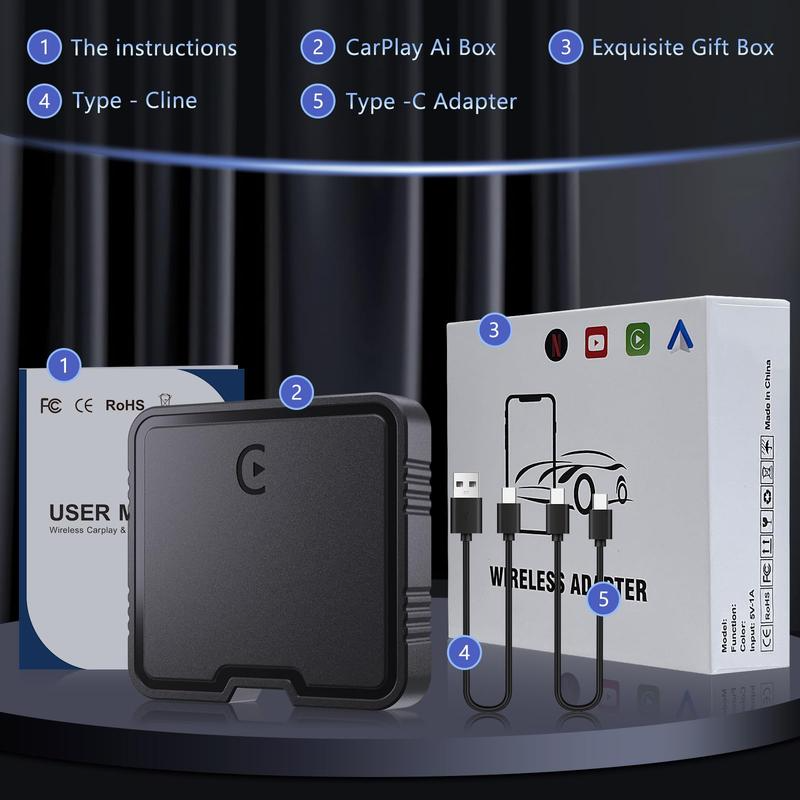
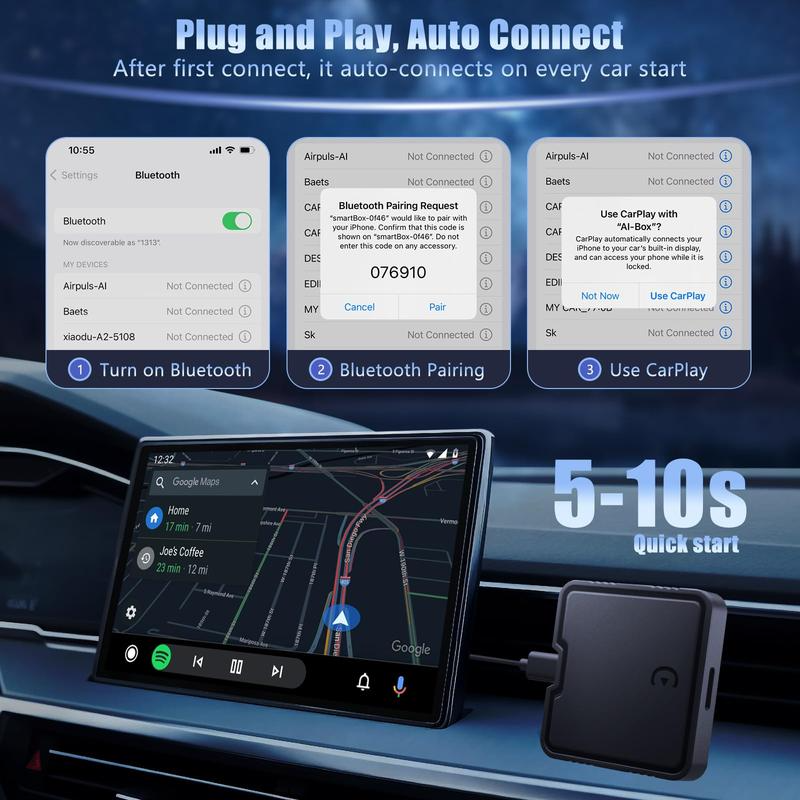
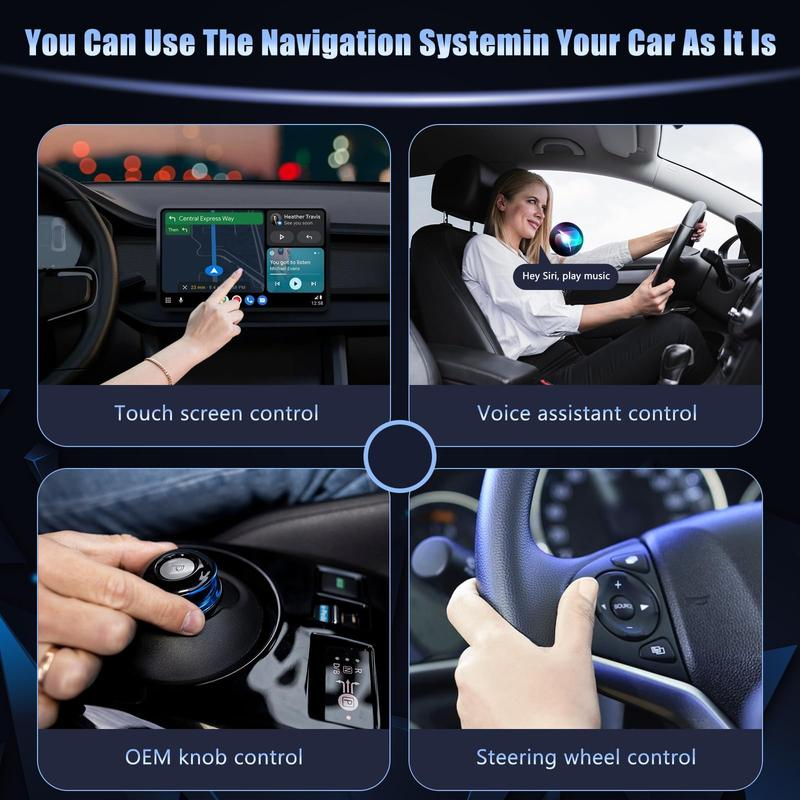
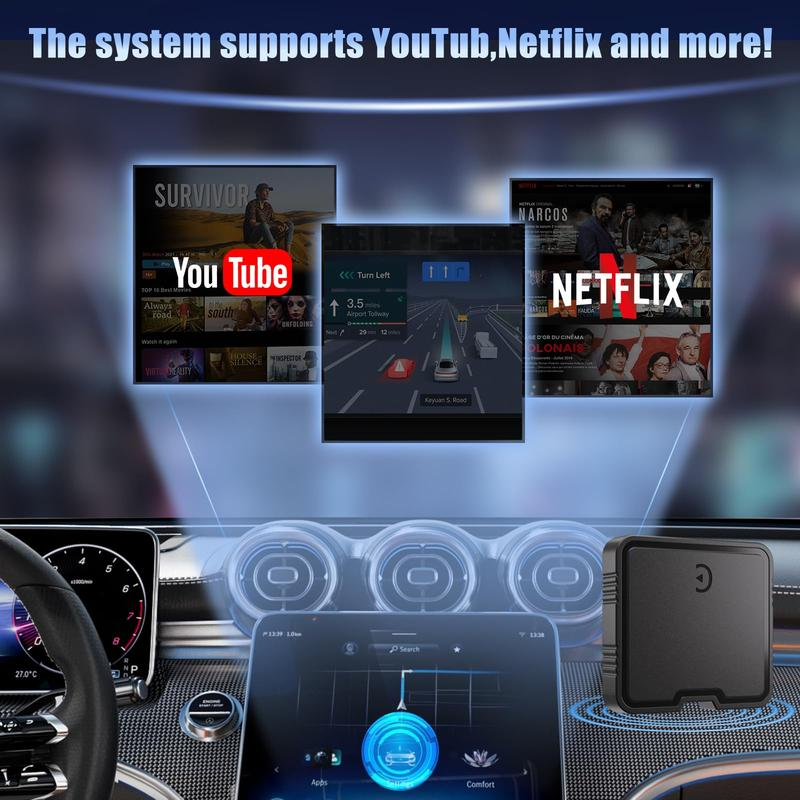
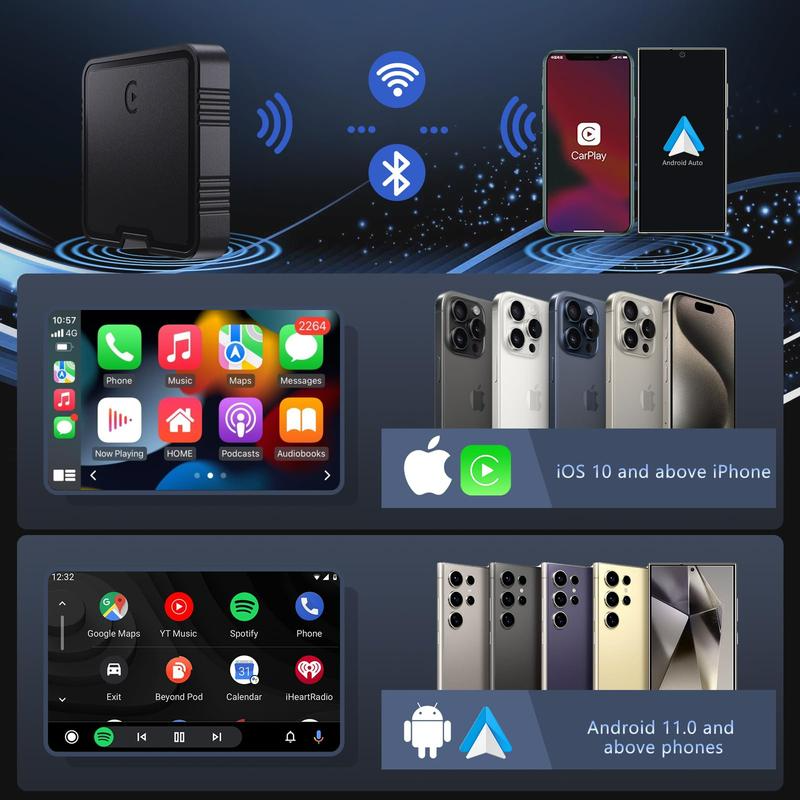
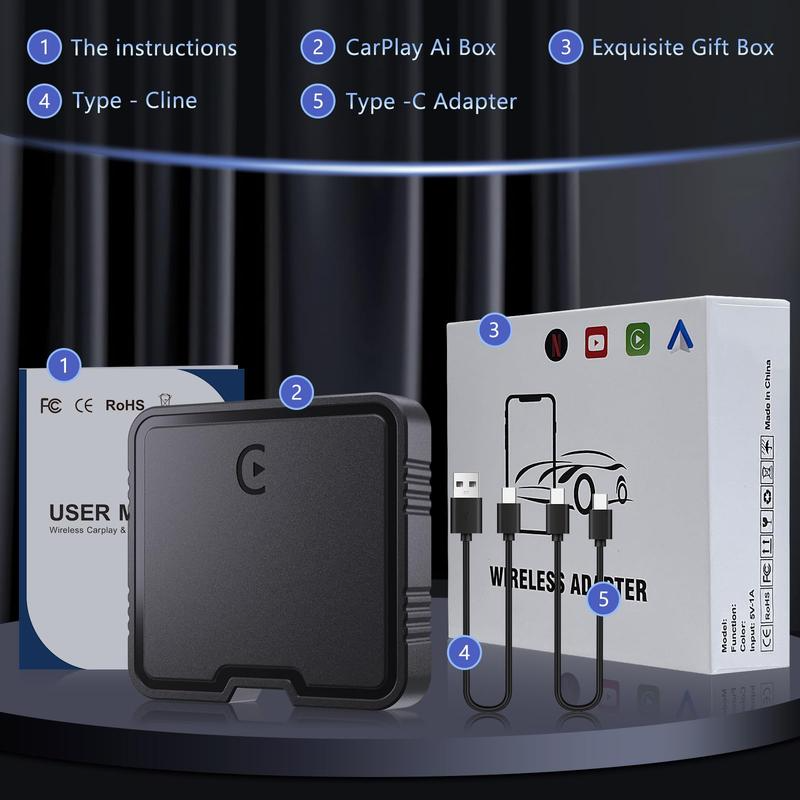
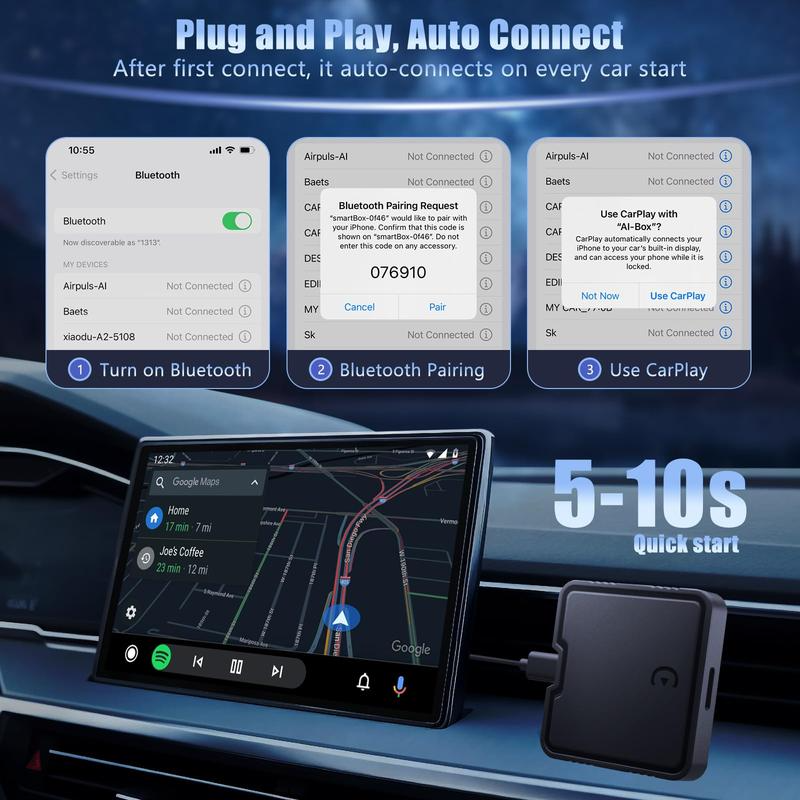
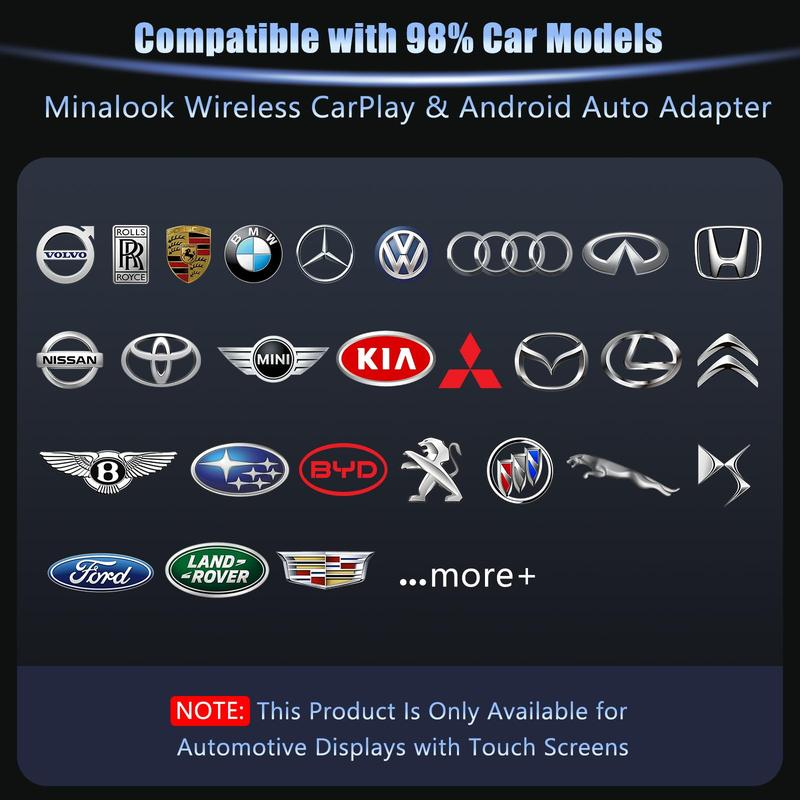
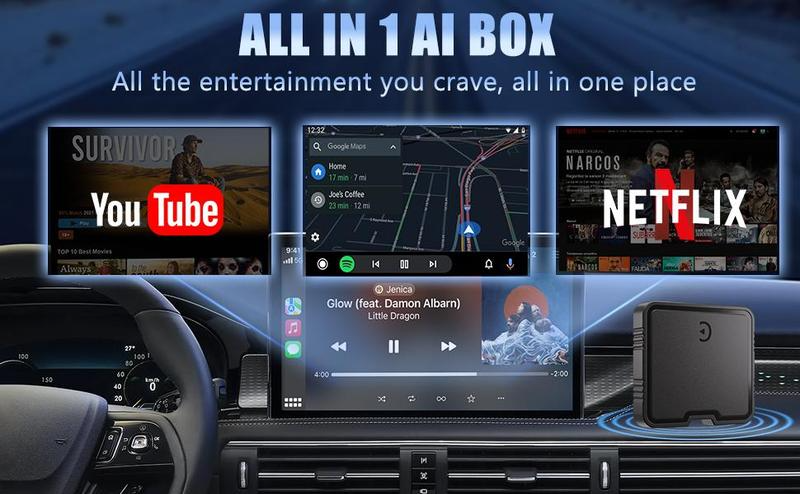
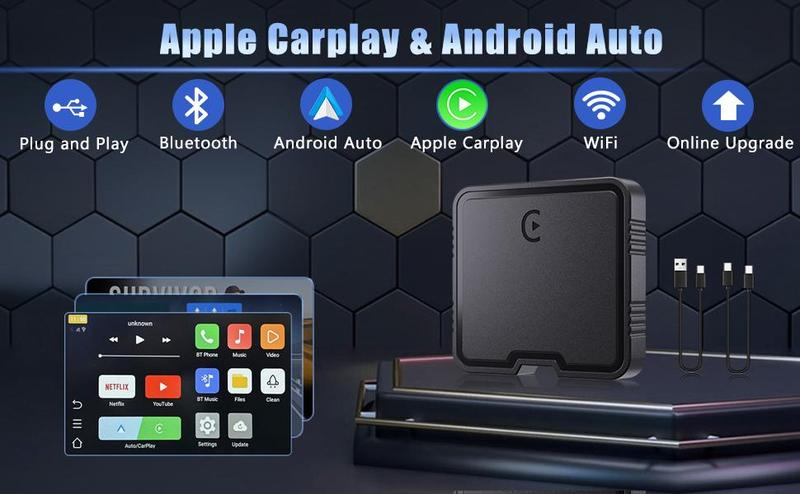
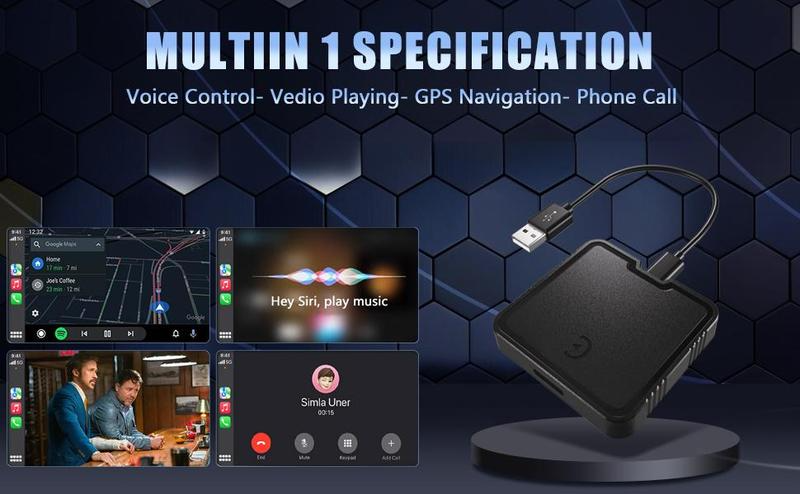
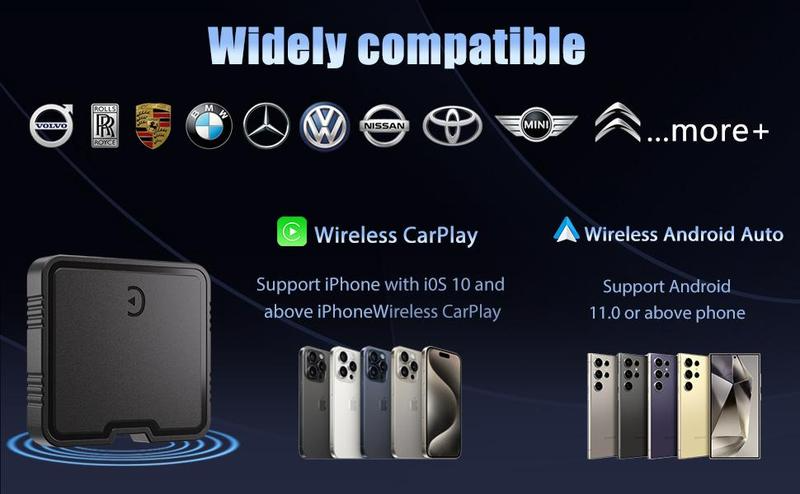
WIRELESS CARPAY BOX:WIRELESS CARPAY BOX - Add more fun to your journey with this wireless CarPlay adapter that comes in three modes: wired to wireless CarPlay, wireless Android car, and wired Android car. Note:This adapter comes with USB-C cable and Typ-C cable. (Only for touchscreen-capable car displays)· BUILT-IN Netflix AND YouTube DRIVE BOX:The Wireless CarPlay Adapter has built-in Netflix and Youtube, which can play all kinds of interesting videos, In addition, the wireless carplay adapter netflix also a built-in TF card slot, so you can use the SD card to play videos or music offline when there is no WiFi and hotspot.·DUAL SYSTEM WIRELESS ADAPTER:This Carplay wireless adapter is compatible with both iPhone Carplay and Android Auto, allowing you to switch between two different systems of your stock Carplay system. This wireless adapter easily converts wired Carplay to wireless Carplay! You can continue to use the full CarPlay functionality and maintain your car's original operations, such as navigation, music playback, Siri Assistant, and more!· COMPACT AND PORTABLE WIRELESS CARPLAY BOX: The wireless android car adapter has a lightweight and stylish design, compact and easy to carry, fits seamlessly into your pocket or bag. Doesn't take up space in the car, can be easily placed in the car where it doesn't interfere with the line of sight.Apple carplay adapter allows you to get rid of the troublesome cables and enjoy a safer and more convenient driving experience!The main features of this product are:·It transforms the original wired Carplay or Android auto, which required a physical connection via a smartphone, into wireless Android auto.2.It makes your Carplay or Android auto very convenient, allowing you to freely and smoothly use Netflix and YouTube to watch videos without the need to switch to Android auto Mirror Link format.· Q&A Q1: No response when connecting the Magic Box to the car?Please make sure that the wired Carplay of the car is normal first.Connect your cell phone to the car first and see if it works.Q2: Can't connect to the network? Can't use Netflix and YouTube?1. Open the Settings app on your iPhone.2. Open Personal Hotspot.3. Turn on Maximize Compatibility.Once Maximize Compatibility is turned on, Magic Box will be able to connect to your iPhone's Personal Hotspot.Q3: Cell phone connecting to car monitor unresponsive?1. Restart your cell phone2.Check whether the phone Bluetooth start the carplay car3.WiFi and Bluetooth should be activated.Q4: If it doesn't work, please try:1. Plug in the USB power cord and wait for two minutes.2. Long press the hole next to the usb port on the magic box for 3 seconds,release it and press it again for 1 second, it will appear on the display.